


DavidSW uses BitPay which allows you to access your digital wallet at checkout


Two Ways To Pay
How To Pay With Bitpay

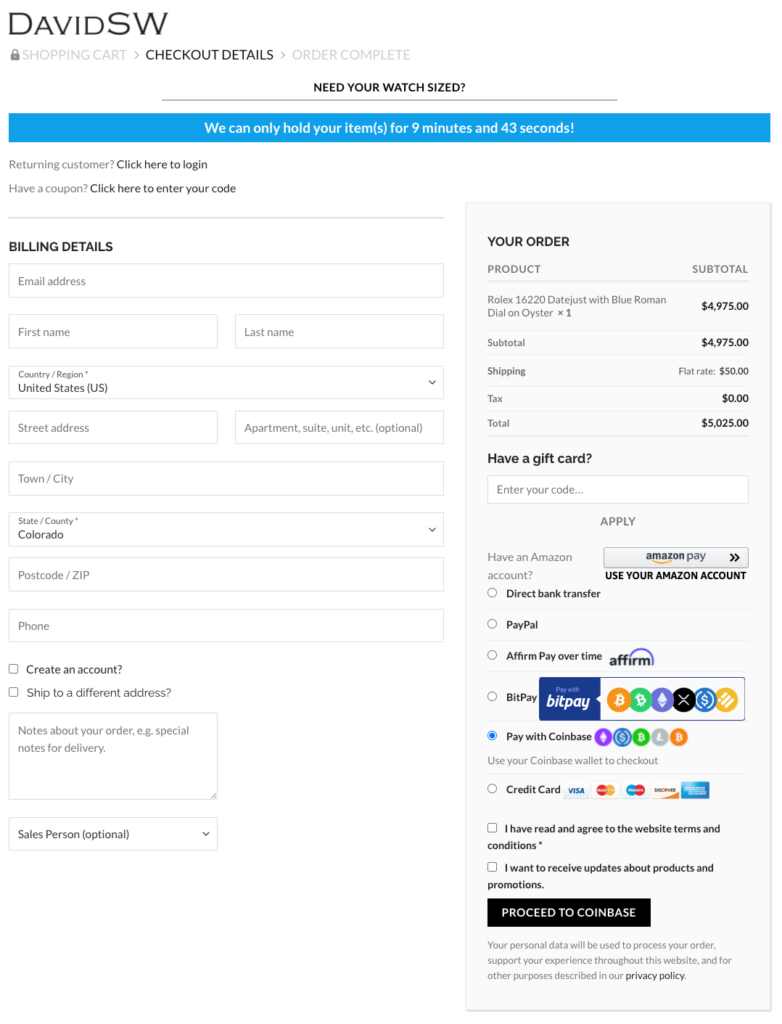
When you have selected your desired timepiece with DavidSW, choose the “BitPay” option and proceed to checkout. If you don’t see the BitPay option at first, make sure you have entered your Billing Details, such as name and address.
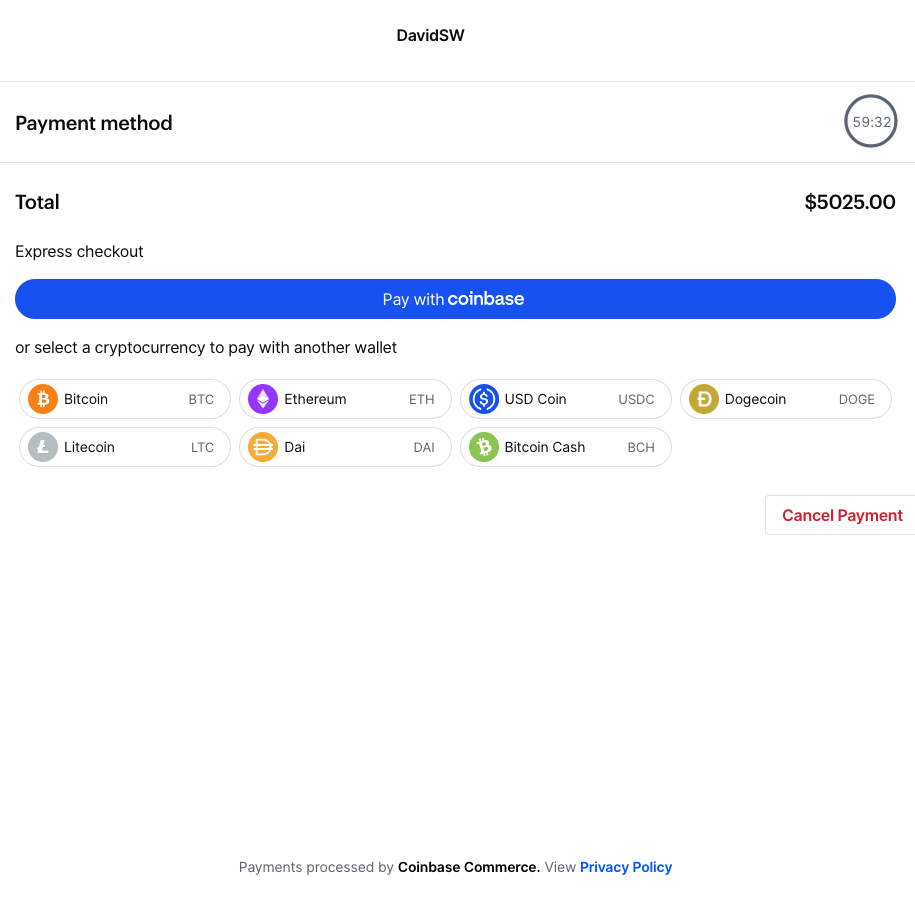
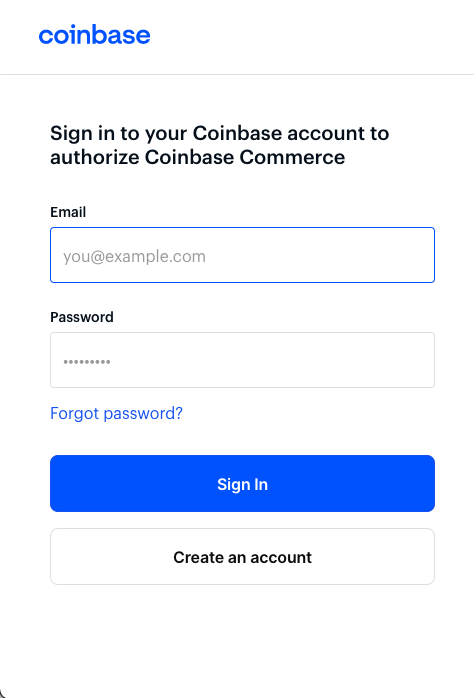
You will be redirected to the BitPay website where you will create an account or login to your account.


Complete the required information and sign in
Once you are authenticated you will have access to your digital wallet

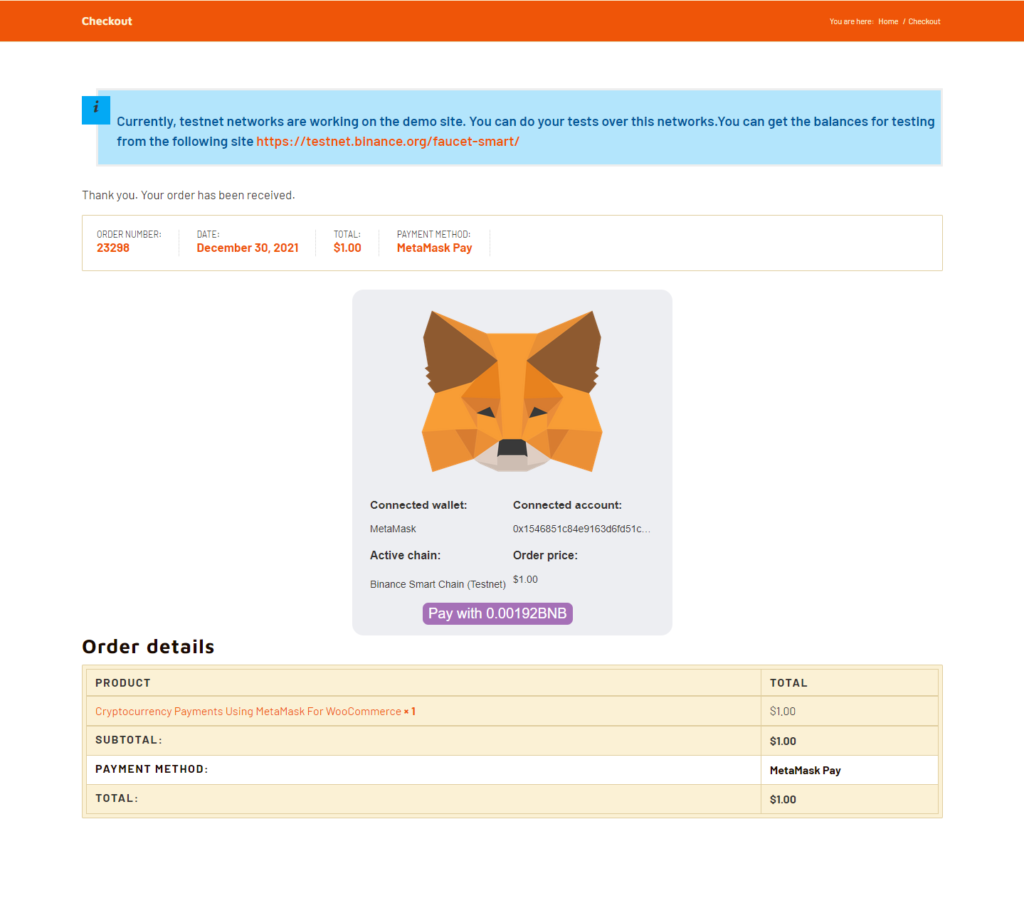
How To Pay With MetaMask
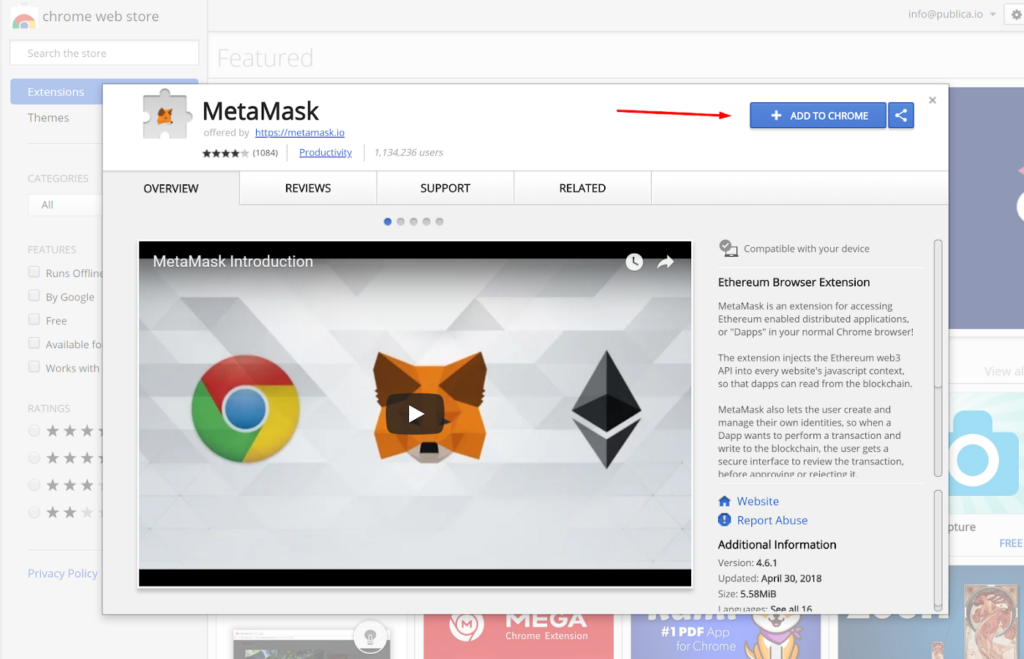
Add the MetaMask plugin to your browser.
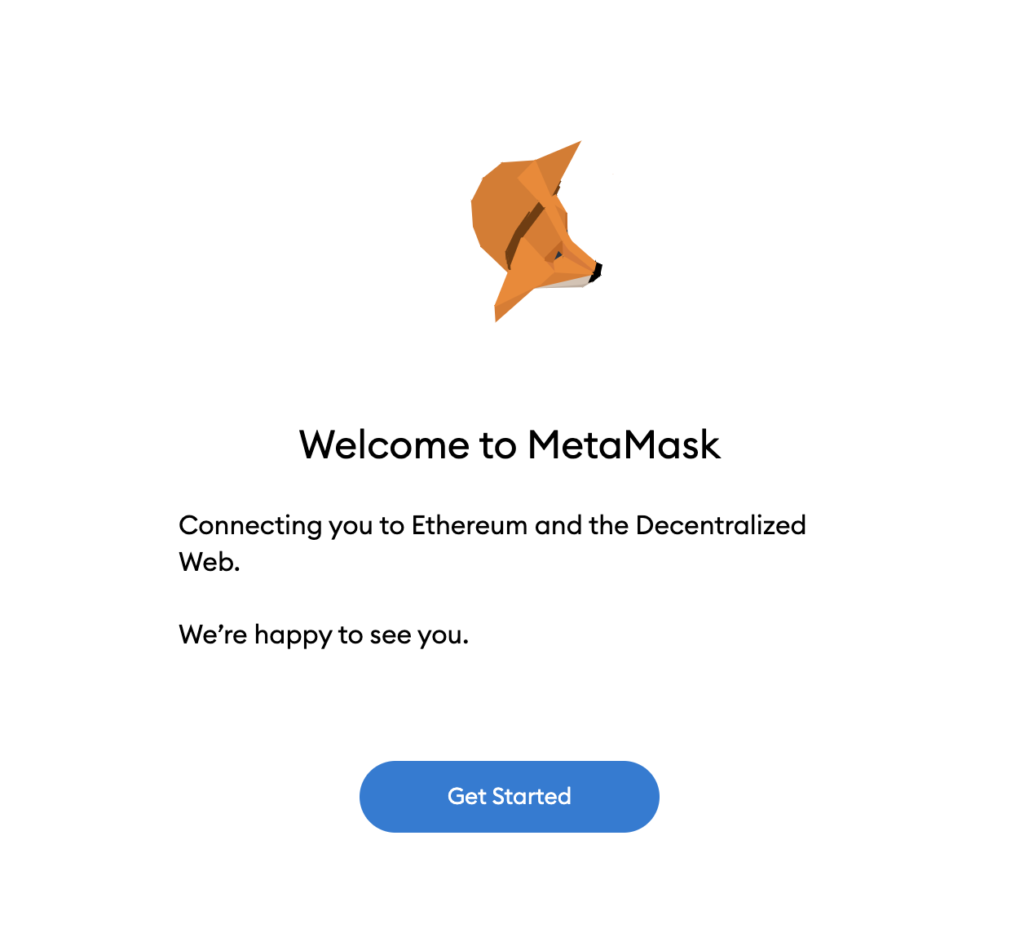
Connect to your MetaMask Wallet and follow the prompts to complete setup.
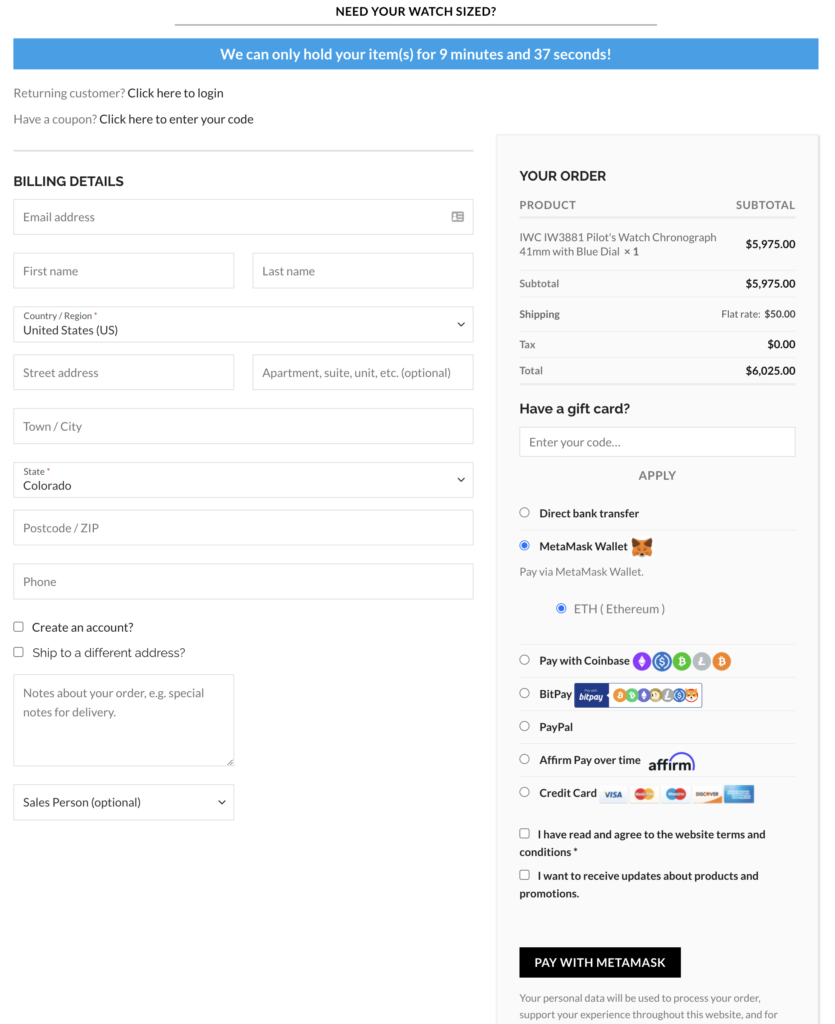
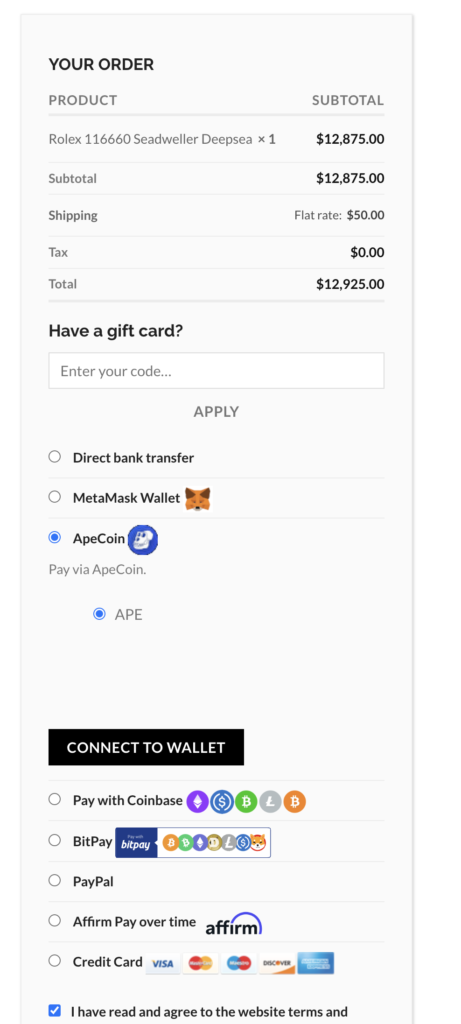
When you have selected your desired timepiece with DavidSW, choose the “MetaMask Wallet” option and click “Pay With MetaMask”.
You will be redirected to the MetaMask checkout wallet. Follow the prompts to complete the transaction
Shop Now